JOURNEY_LOGS
Founders Timeline
Sign in to share your journey with the community.
Join the NetworkUpdate
2026.10.13 // 08:52
lunabella (lunabella)
@lu794377
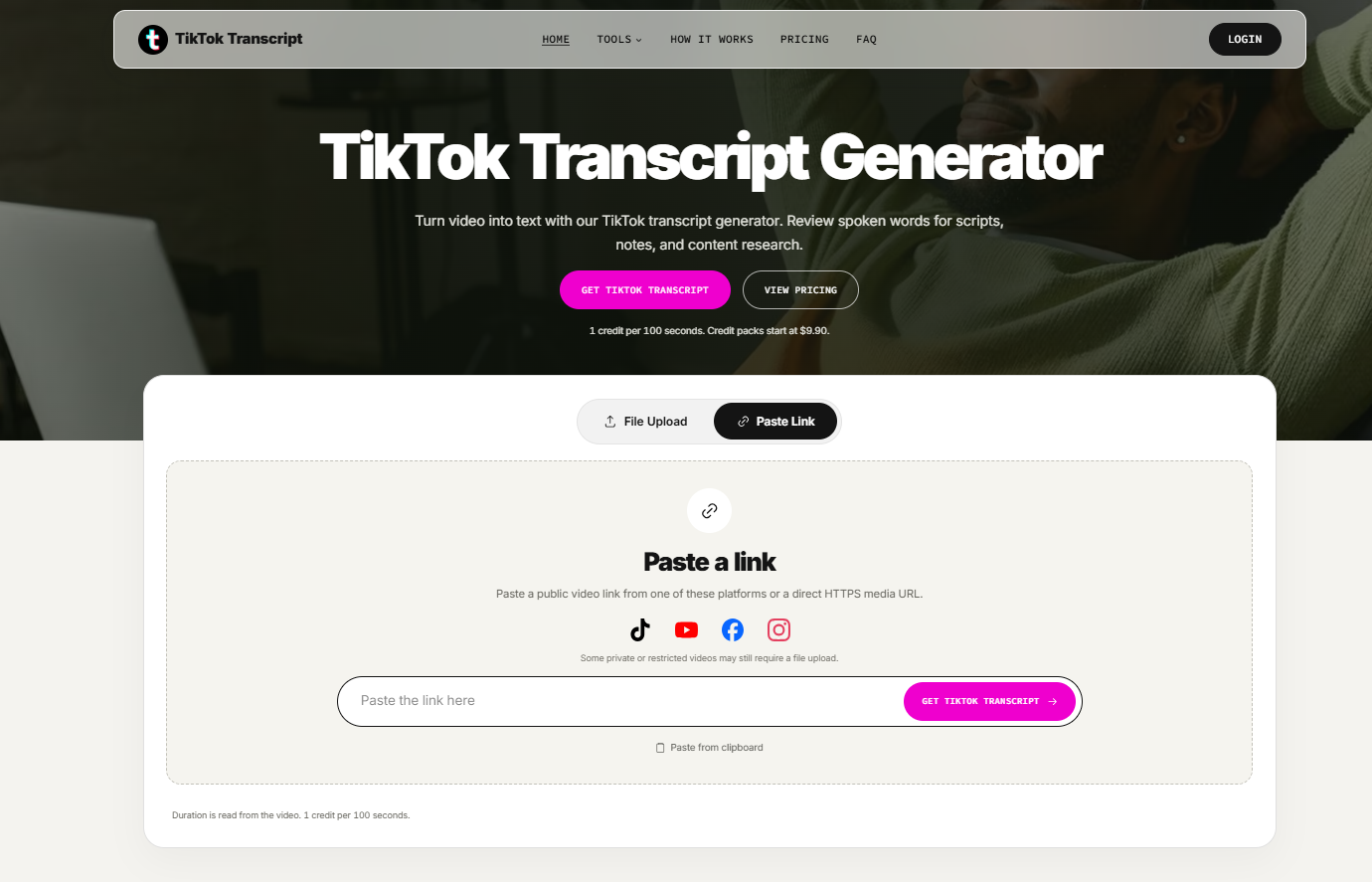
🚀 Sharing TikTok Transcript — an AI-powered tool that turns TikTok videos into readable text.
One common challenge for content creators and marketers is extracting useful information from videos. Replaying clips to capture dialogue, analyze hooks, or study scripts can take a lot of time.
TikTok Transcript simplifies this workflow:
✅ Convert TikTok videos into text with AI
✅ Generate transcripts from video links
✅ Analyze video scripts and spoken content
✅ Save time on research and note-taking
The tool is designed for creators, marketers, students, and researchers who work with video content.
I'd love to hear feedback from fellow builders: What would make a video transcription tool more useful in your workflow?
🔗 Explore TikTok Transcript: https://tiktoktranscript.app/
Update
2026.10.10 // 14:26
griffin Peter
@lzb129239
Shipped the public preview site for Seed Audio 1.5 today.
Creators can try the current Seed Audio 1.0 model, see the full 1.5 feature list (separate stems, 6-min generations, video dubbing, 30 languages), and lock early-bird pricing.
Building in public — open to feedback.
Update
2026.10.10 // 07:47
lunabella (lunabella)
@lu794377
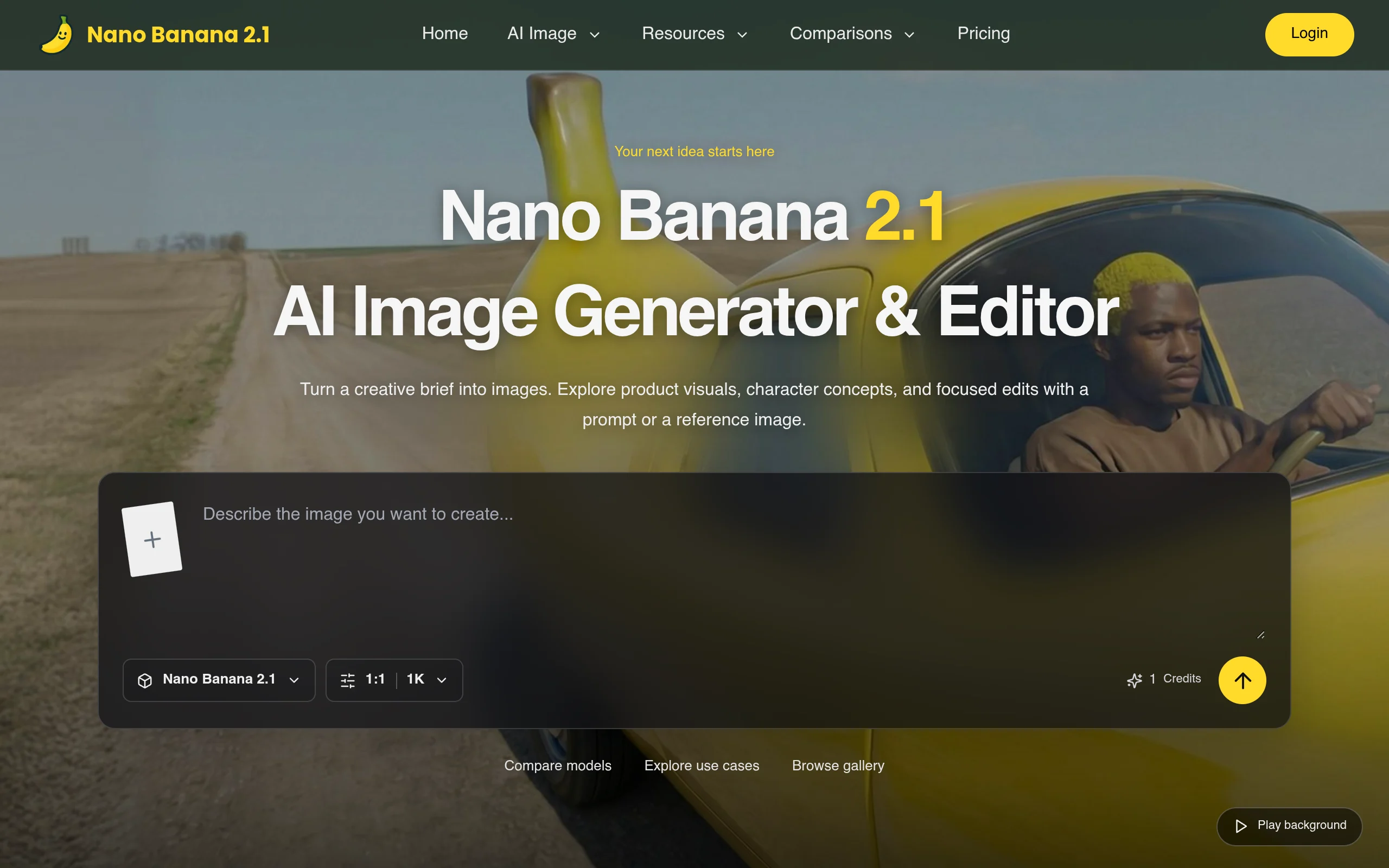
🚀 Building Nano Banana 2.1 — Exploring the Future of AI Image Creation!
Today, we're focusing on improving how creators discover AI image generation tools, creative prompts, and image editing workflows.
Our goal is to make AI-powered visual creation more accessible to designers, marketers, content creators, and indie makers.
🎨 Current focus:
- Exploring AI image generation workflows
- Organizing creative prompts and visual inspiration
- Improving the experience for creators
- Sharing practical AI image editing ideas
We're excited to keep building and learning from the community. Feedback and suggestions are always welcome!
Update
2026.10.10 // 05:32
shuo chen
@cshuo6784
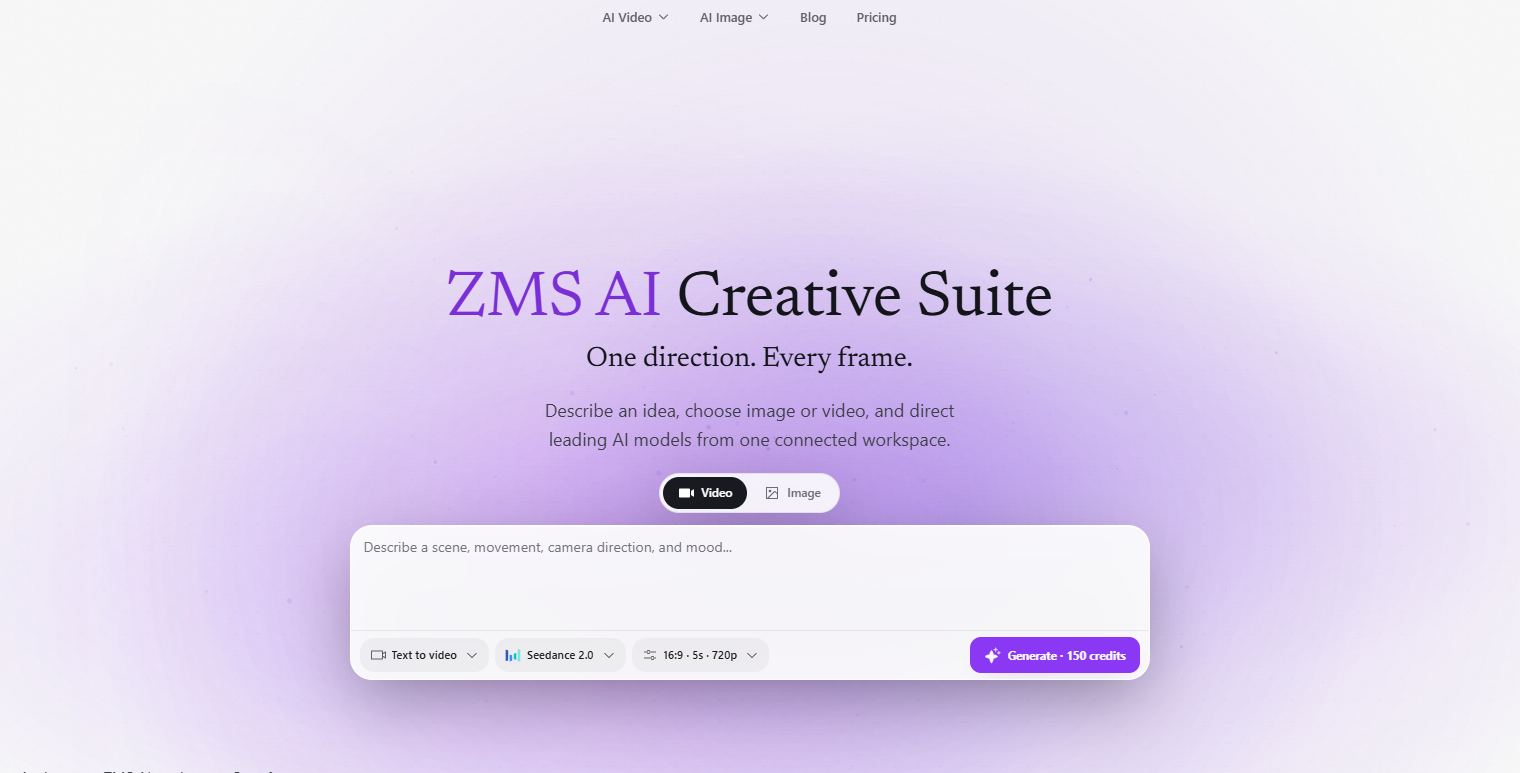
🚀 Building ZMS AI – Making AI Image & Video Creation Easier!
We've been working on ZMS AI, a platform designed to help creators turn ideas into images and videos using AI.
Our goal is simple: make powerful AI creative tools more accessible without complicated workflows.
Here's what you can explore with ZMS AI:
🎨 AI Image Generation – Create original visuals from text prompts.
🎬 AI Video Generation – Transform ideas and reference images into videos.
✨ AI Image Editing – Change backgrounds, replace outfits, and refine existing images.
🎥 AI Video Extender – Extend video clips and explore longer visual storytelling.
⚡ Multiple AI Models – Access different creative workflows in one platform.
We're continuing to explore ways to improve the creative experience for designers, marketers, and content creators.
🔗 Explore ZMS AI: https://zms.com
💬 We'd love your feedback! What's the biggest challenge you face when creating AI images or videos?
#BuildInPublic #GenerativeAI #AIImageGenerator #AIVideoGenerator #ZMSAI
Update
2026.10.08 // 08:29
lunabella (lunabella)
@lu794377
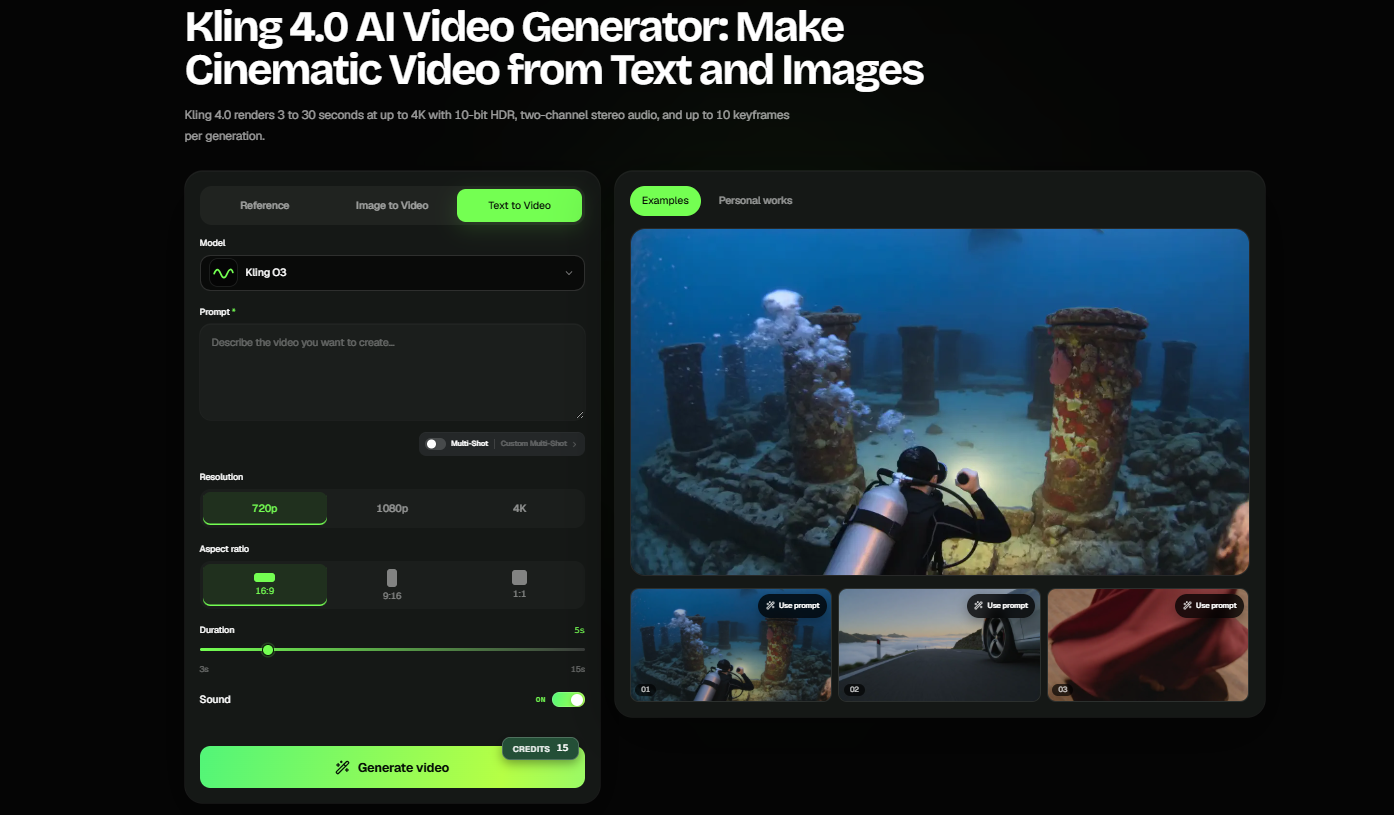
Exploring new possibilities in AI-powered video creation with Kling 4.0.
AI video generation is opening up exciting opportunities for creators, marketers, and storytellers to turn text prompts and images into engaging visual content.
I'm sharing Kling 4.0, a resource for exploring AI video generation workflows, creative storytelling, and content production.
Looking forward to seeing how AI video tools continue to evolve!
Update
2026.09.28 // 09:13
lunabella (lunabella)
@lu794377
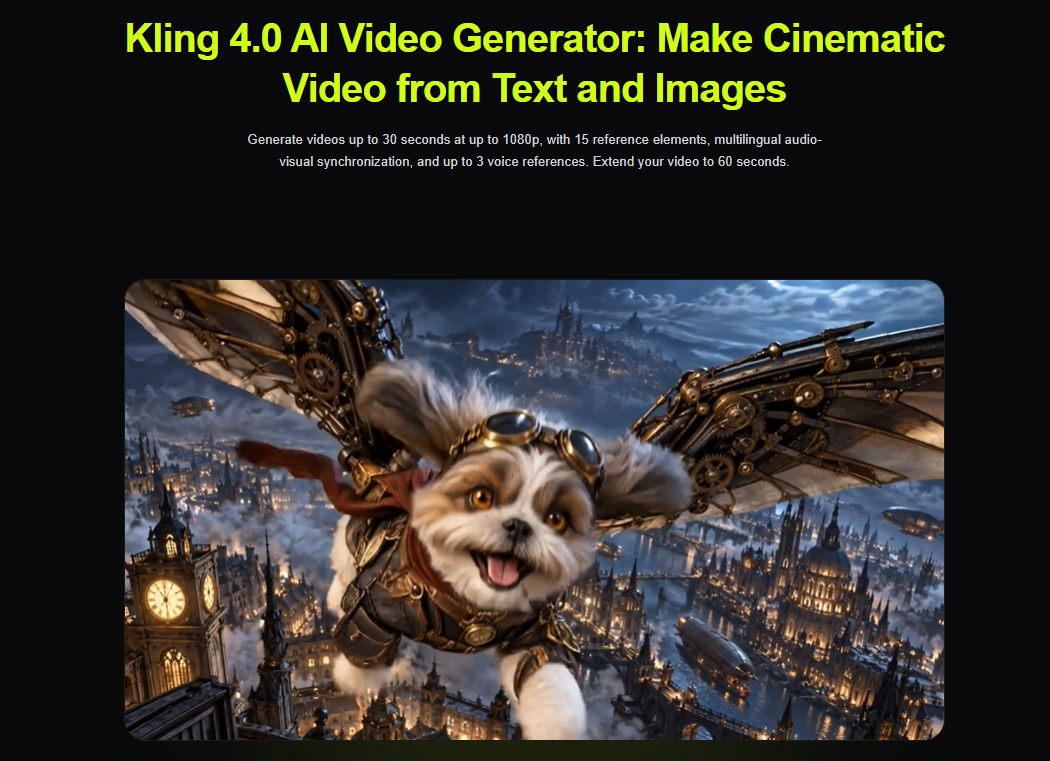
Shipped another update today: I finished the Kling 4.0 AI page and reorganized the content around practical use cases instead of just model specs. The main focus is text-to-video, image-to-video, reference workflows, motion control, and cinematic prompting. Still refining the examples and page structure, but the core version is live now: https://www.klingmotion.com/kling-4
Update
2026.09.22 // 01:29
Leo poppy
@zhao68733
Today I’ve been running hands‑on tests with MiniMax H3, a browser‑based multimodal AI video generator.
One of the recurring pain points I keep hitting with many AI video tools is the fragmented workflow: you generate visuals in one place, export silent clips, then jump over to separate tools for motion references and audio generation. This creates extra export steps, style drift, and manual audio‑video alignment work.
What stands out with MiniMax H3 is that it accepts mixed sets of inputs all within one generation run. You can combine text prompts, static reference images, short motion clips, and audio samples together. It supports first‑frame / last‑frame locking to smoothly animate between two static images while preserving logos, product textures and graphic details that often get distorted by competing models. Output clips run from 4‑15 seconds with up to 2K resolution.
I appreciate that it generates synchronized stereo audio alongside the moving frames. This removes a big chunk of manual post‑production work when you just want quick concept clips for pre‑visualization, marketing drafts or social‑media prototypes. Multiple input modes are available: text‑only, image‑to‑video, or full multi‑reference stacks depending on what assets you already have prepared.
Results still depend heavily on source‑asset quality and prompt quality. This is just my personal testing note, not sponsored content. If you are exploring unified multimodal video workflows you can check it out here: https://minimax-h3.com/
Would love to hear other builders’ thoughts: what is your most annoying pain‑point with current‑generation AI‑video workflows?
Update
2026.09.21 // 15:46
griffin Peter
@lzb129239
Built and launched YuE2 at https://yue2ai.org — a lyrics-first AI music studio. Paste lyrics with [verse]/[chorus], describe style and vocals, get a full song with a band, then revise in the same chat.
Today: shipped footer listings (Findly, Turbo0, CollectAI, ToolPilot, ShowMeBestAI, Startup Fast, TopAIToolsReview, Startup Fame, Pro Launch, AIGCLIST) so early users can find us from AI directories. Accounts, credits, song library, and paid download/commercial plans are live.
Still tuning: first-song activation, repeat generation, and what songwriters change after the first listen.
Not the M-A-P lab — hosted YuE2-3B for creators who don’t want a local GPU setup.
Update
2026.09.17 // 07:06
lunabella (lunabella)
@lu794377
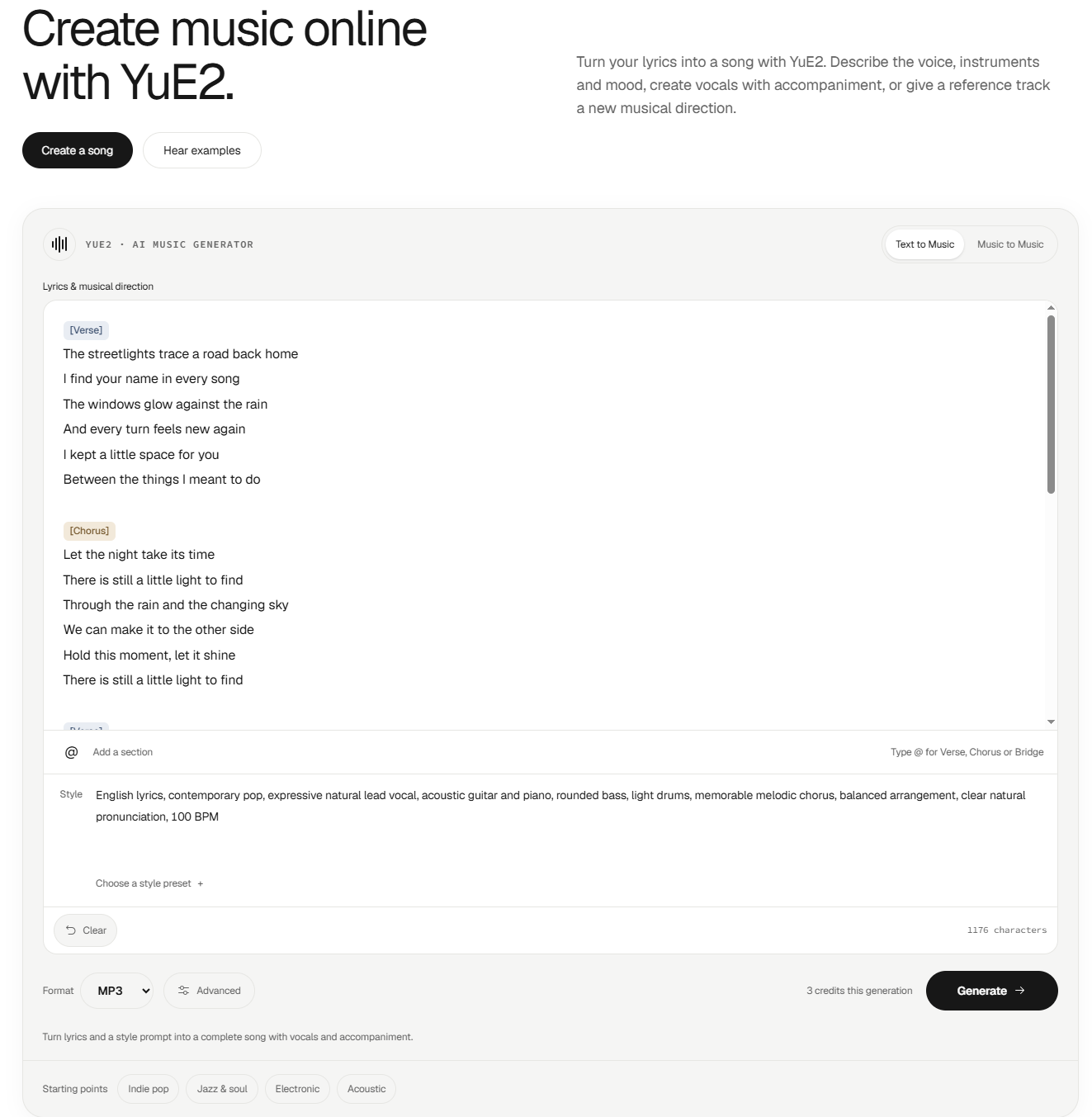
Built and launched YuE2, an AI music generator for turning lyrics and creative ideas into complete songs with vocals.
Today’s focus was simplifying the workflow so creators can go from lyrics or a song concept to playable music without a complicated setup. YuE2 supports both Text to Music and Music to Music workflows, with controls for style, mood, vocals, and musical direction.
Still improving the generation experience and learning what creators want most from AI songwriting tools.
Update
2026.09.14 // 08:37
lunabella (lunabella)
@lu794377
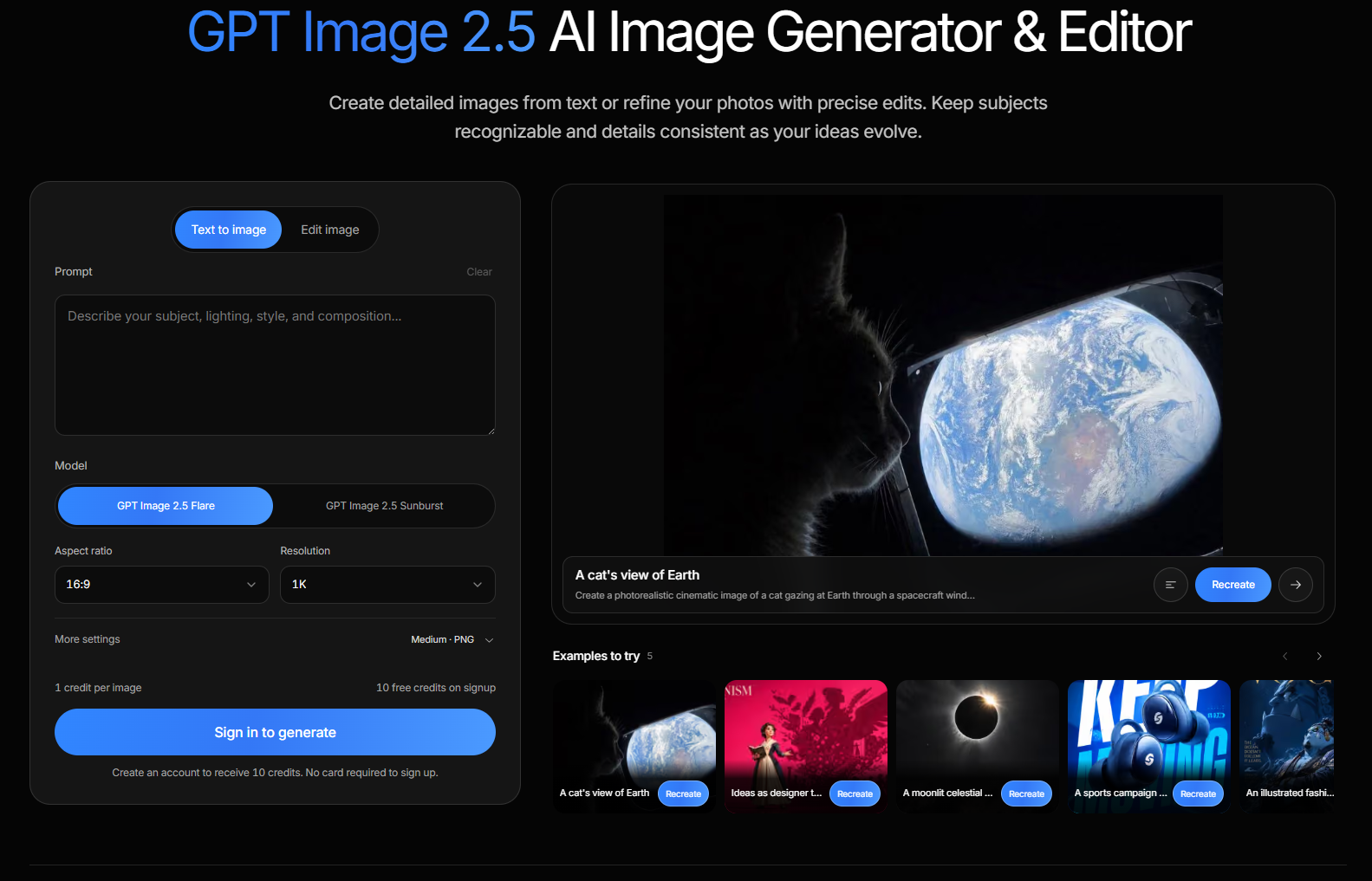
Today I launched the first public version of GPT Image 2.5, an AI image generation and editing tool built around simple prompt-based workflows.
The current focus is improving prompt accuracy, image editing, reference-image consistency, and making the overall generation process easier to use. I’m also testing different workflows for marketing visuals, product concepts, social media graphics, and creative experiments.
There’s still plenty to improve, so I’m collecting feedback and refining the experience step by step.
Check it out here: https://gptimage-25.com/
Update
2026.09.03 // 08:21
lunabella (lunabella)
@lu794377
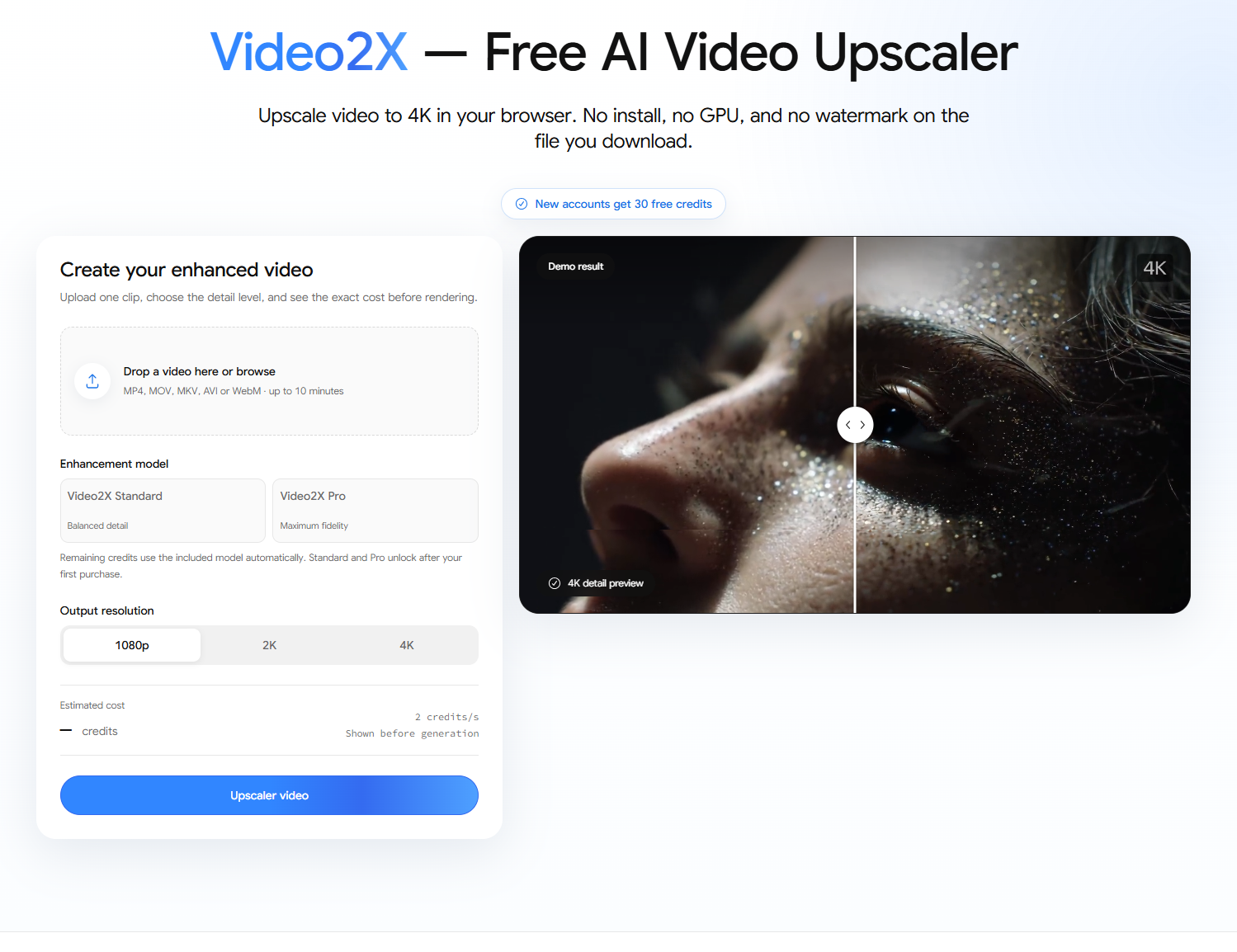
Built and refined Video2X, an AI-powered video upscaler for improving low-resolution, blurry, and compressed footage.
The goal is simple: make video enhancement easier for creators who need sharper output without a complicated editing workflow.
Video2X can help upscale videos to 1080p, 2K, or 4K, with enhancement options for restoration, denoising, deblocking, animation, faces, and frame interpolation.
It can be useful for AI-generated videos, old footage, social media clips, archived videos, and other content that needs a cleaner final output.
Next step: keep improving the enhancement workflow and make it easier to choose the right processing option for different types of footage.
Update
2026.08.28 // 02:54
lunabella (lunabella)
@lu794377
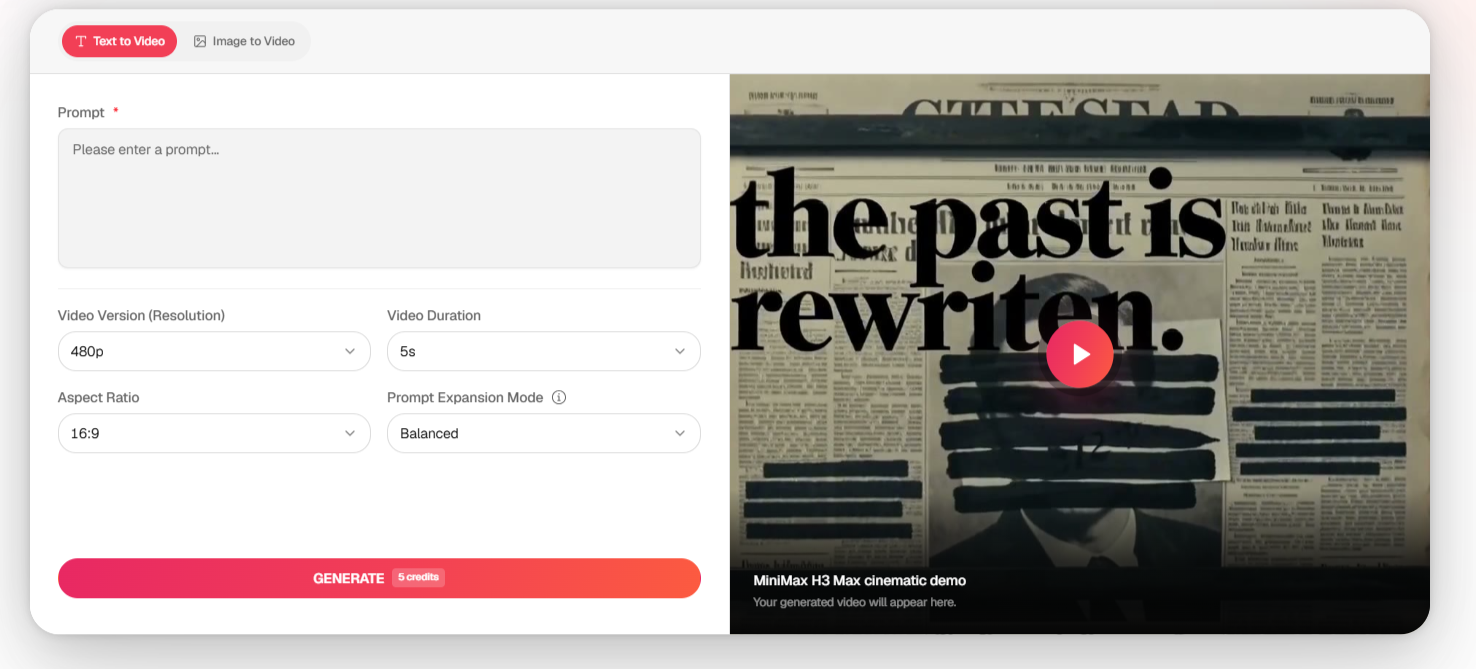
Today we launched Minimax H3 Max, an AI video generation project focused on making fast iteration easier for creators.
One thing we wanted to explore is whether faster generation can change the prompting workflow itself. Instead of spending a long time trying to perfect the first prompt, creators can generate a scene, review the result, adjust the camera movement or visual direction, and quickly try another version.
We’re building around this idea with the Minimax H3 Max AI Video Generator, with a focus on text-to-video workflows, visual experimentation, and rapid creative iteration.
The project is now live: https://h3-max.com/
Next, we’re working on improving the overall generation workflow and making it easier to move from a simple idea to a usable video result.
Would love to hear how other builders think about speed vs. maximum output quality in generative AI products.
Update
2026.08.25 // 13:35
griffin Peter
@lzb129239
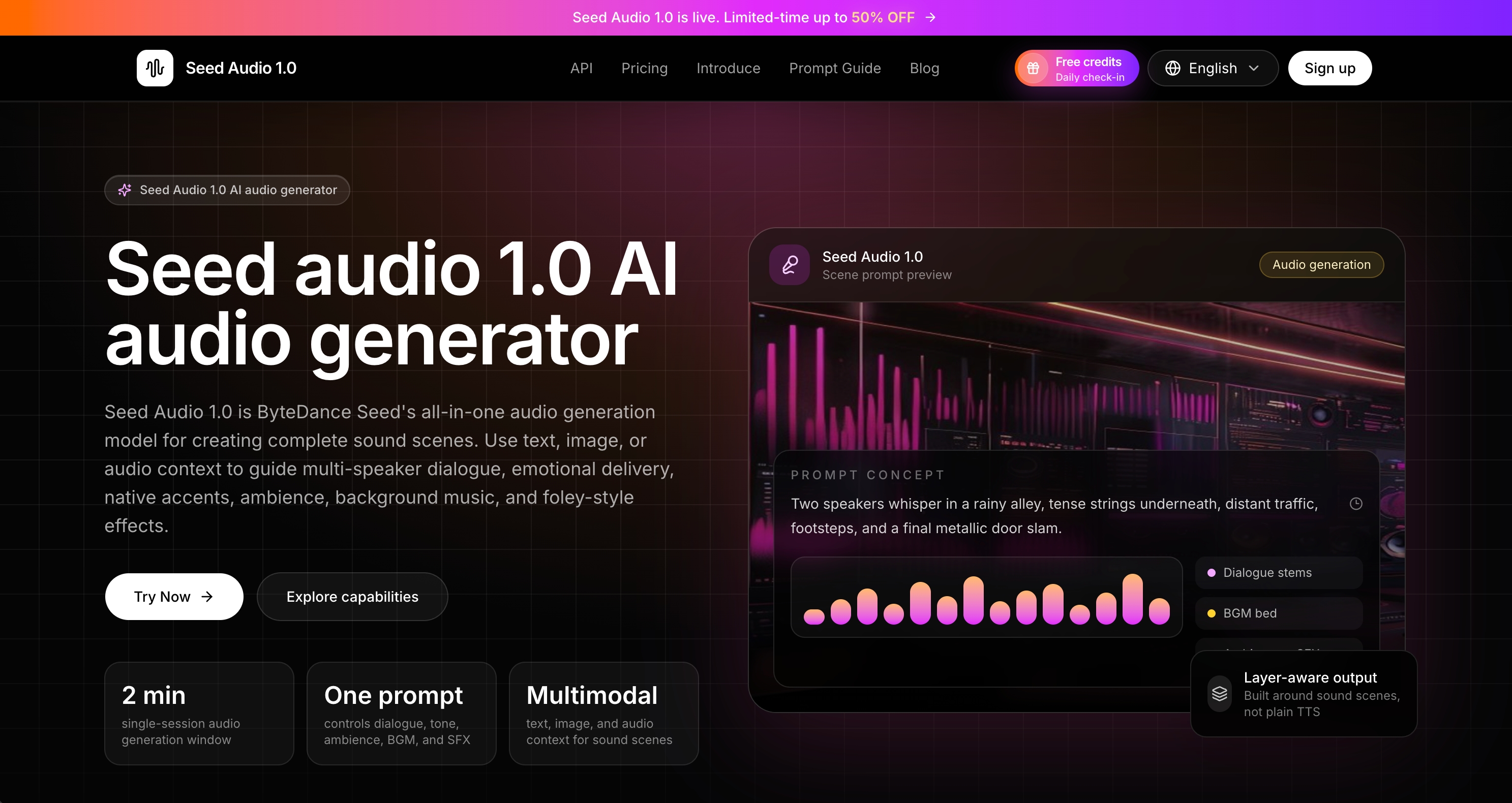
One thing I’ve been thinking about while working on Seed Audio 1.0 is how quickly an AI audio workflow becomes complicated once you move beyond simple text-to-speech.
A basic TTS tool is straightforward: type text, pick a voice, generate. But real use cases rarely stay that simple.
Someone might want multi-character dialogue, add background music that matches the mood, include ambient sound, and keep voice consistency across a longer scene. At that point the challenge isn’t just “generate better audio.” It’s making all those elements work together without forcing the user into a complicated multi-step process.
That’s the problem Seed Audio 1.0 is trying to solve.
Instead of generating voice, music, and effects separately and then mixing them, it treats the whole thing as one scene. You describe what you want — the dialogue, the emotion, the environment, the background — and it produces a fully mixed audio track in a single pass.
The interesting product question for me right now is how much control to expose.
Should advanced options (reference voices, timing control, multi-speaker settings) be visible from the start, or revealed only when someone actually needs them?
Too many controls make the first generation feel heavy. Too few, and power users feel limited.
I’m still testing where that balance should be.
Building: https://seedaudio.co/
For other builders working on generative tools: how do you add more capability without making the creation process feel heavier?
Update
2026.08.25 // 06:44
lunabella (lunabella)
@lu794377
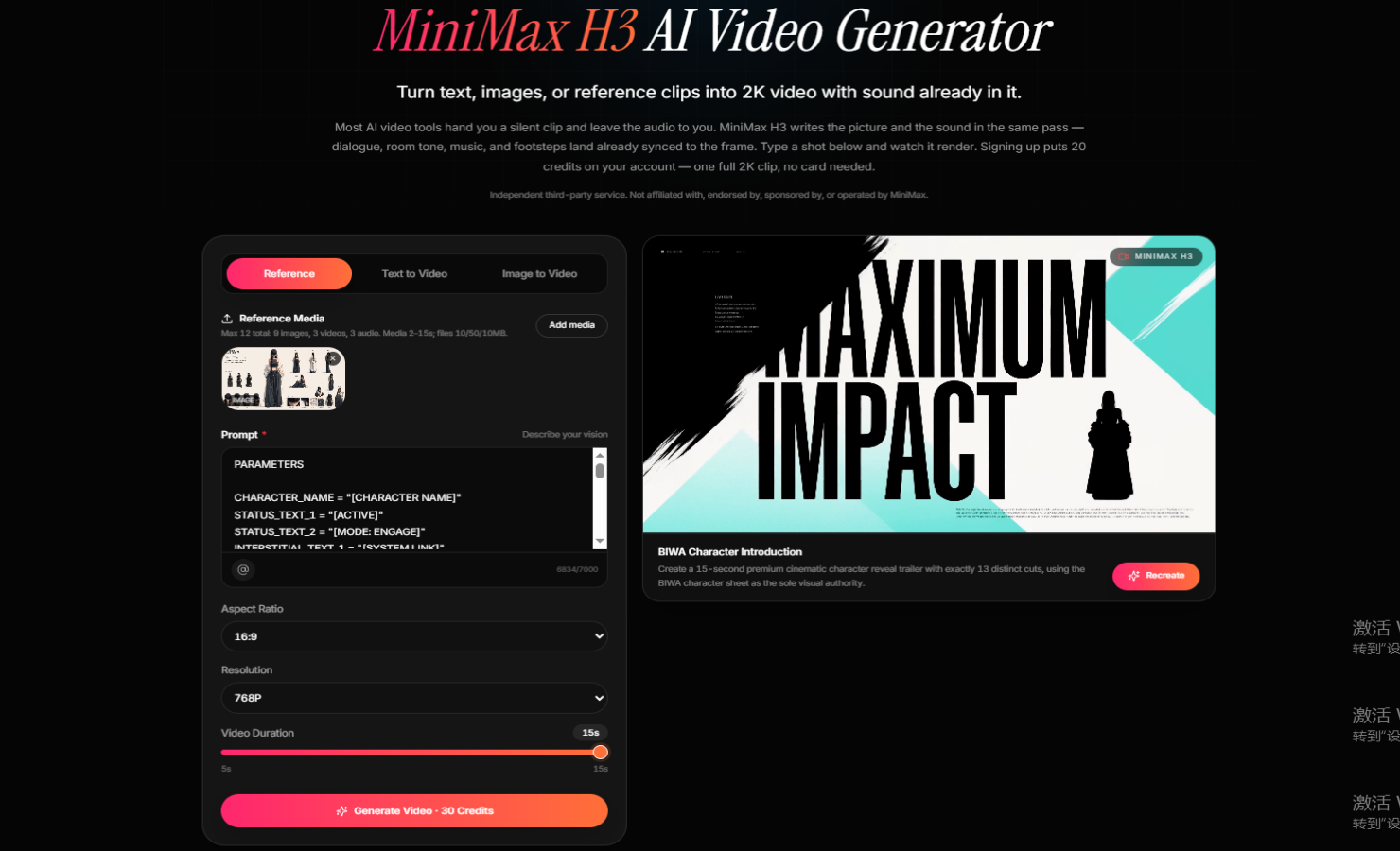
Today I focused on simplifying the creation flow for MiniMax H3 Video.
The challenge is that MiniMax H3 supports several ways to create — text-to-video, image-to-video, and reference-based generation — but showing every option at once can make the product feel more complicated than it needs to be.
The direction I’m testing is:
Prompt → Add references if needed → Generate
Advanced controls can come later when creators actually need more precision.
The goal is to make the first generation easy while still supporting more controlled workflows for character consistency, product shots, camera movement, and synchronized audio.
I’m also improving how the landing page communicates the main value: creating high-quality AI videos with references and synced sound without requiring a complicated production workflow.
Building: https://minimaxh3video.app/
Would love feedback on one thing: should advanced reference controls be visible from the start, or revealed only when needed?
Update
2026.08.18 // 09:00

sarah wilson
@cy520569
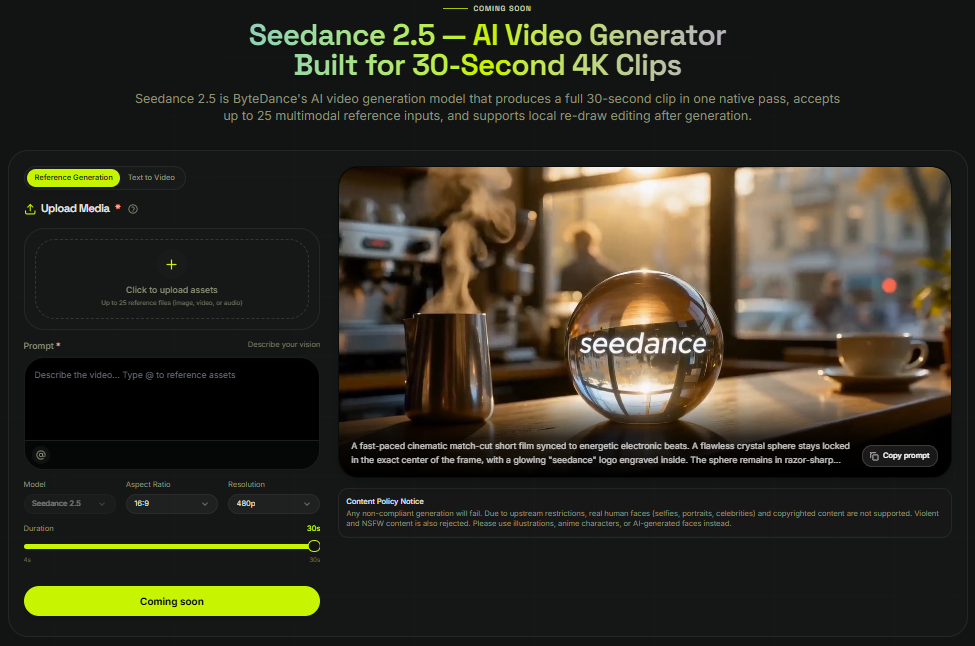
One thing we've been thinking about while working on XMK Seedance is how quickly an AI video workflow becomes complicated once references are involved.
A text prompt is simple. You write an instruction, generate, review, and try again.
But real projects rarely stay that simple.
Someone might start with a product image, add a visual reference for lighting, another reference for camera movement, and then use an existing clip to explain the pacing they want. At that point, the challenge isn't just "generate a better video." It's making all of those inputs understandable and manageable.
That has changed the way we're thinking about the Seedance workflow.
We're experimenting with a more reference-led approach around XMK Seedance(https://www.xmk.com/seedance), where images, video, audio, and written instructions can work together instead of forcing the user to describe everything through increasingly complicated prompts.
The interesting product question for us is what happens before generation.
Which reference controls the subject?
Which one is only there for style?
What happens when two references suggest different directions?
And how much control should we expose before the interface itself becomes another creative obstacle?
We're still learning where that balance should be.
The biggest lesson so far is that supporting more inputs doesn't automatically create a better workflow. The product also has to help people understand what each input is doing.
For other builders working on generative products: how do you add more control without making the creation process feel heavier?
Update
2026.08.13 // 16:12
lunabella (lunabella)
@lu794377
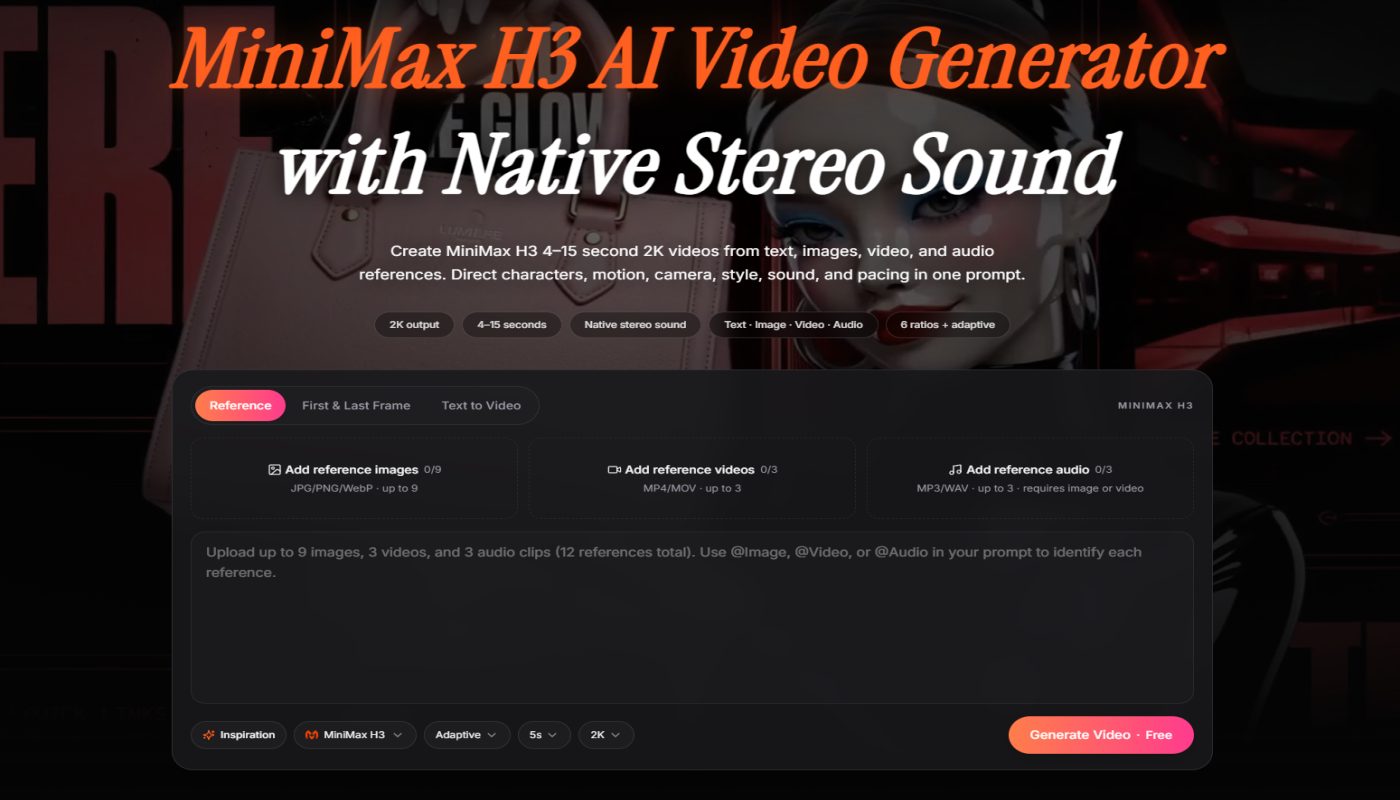
Building MiniMax H3 Studio — a browser-based multimodal AI video generator (2K output, native stereo sound, image/video/audio references).
Today's lesson came from writing docs, not code: I went through our own generator UI field by field to verify what we actually support, and found the homepage FAQ claiming six aspect ratios for text-to-video when the real UI offers fewer. It had been live for weeks.
If you're writing marketing copy from your own spec sheet instead of your own product, you're going to ship claims you can't back. Fixing the FAQ first, then the blog posts that inherited the error.
Live at https://minimaxh3.co/
Update
2026.08.07 // 01:57
sarah wilson
@cy520569
We changed the default video duration in one of our recent tests.
I expected it to change the output. I didn't expect it to change the prompts people wrote.
With the shorter default, prompts were usually about one thing happening:
person turns toward the camera

car drives past the building

camera moves slowly toward the product
When we tested a longer starting duration, we started seeing prompts with more going on. Someone would describe an action, then a camera change, then something else happening near the end.
I don't have enough data to call this a pattern yet. It was noticeable enough that we started looking at some of the other defaults.
We had treated duration as an output setting. I'm less sure about that now.
We also tried putting more controls on the first screen.
The idea was simple: if the workflow supports more inputs, people should be able to see them.
It looked fine when we built it.
Using it felt a little busy.
We removed some of the controls, put them back, then tried hiding a few until after the first generation. I'm still not sure which version I prefer.
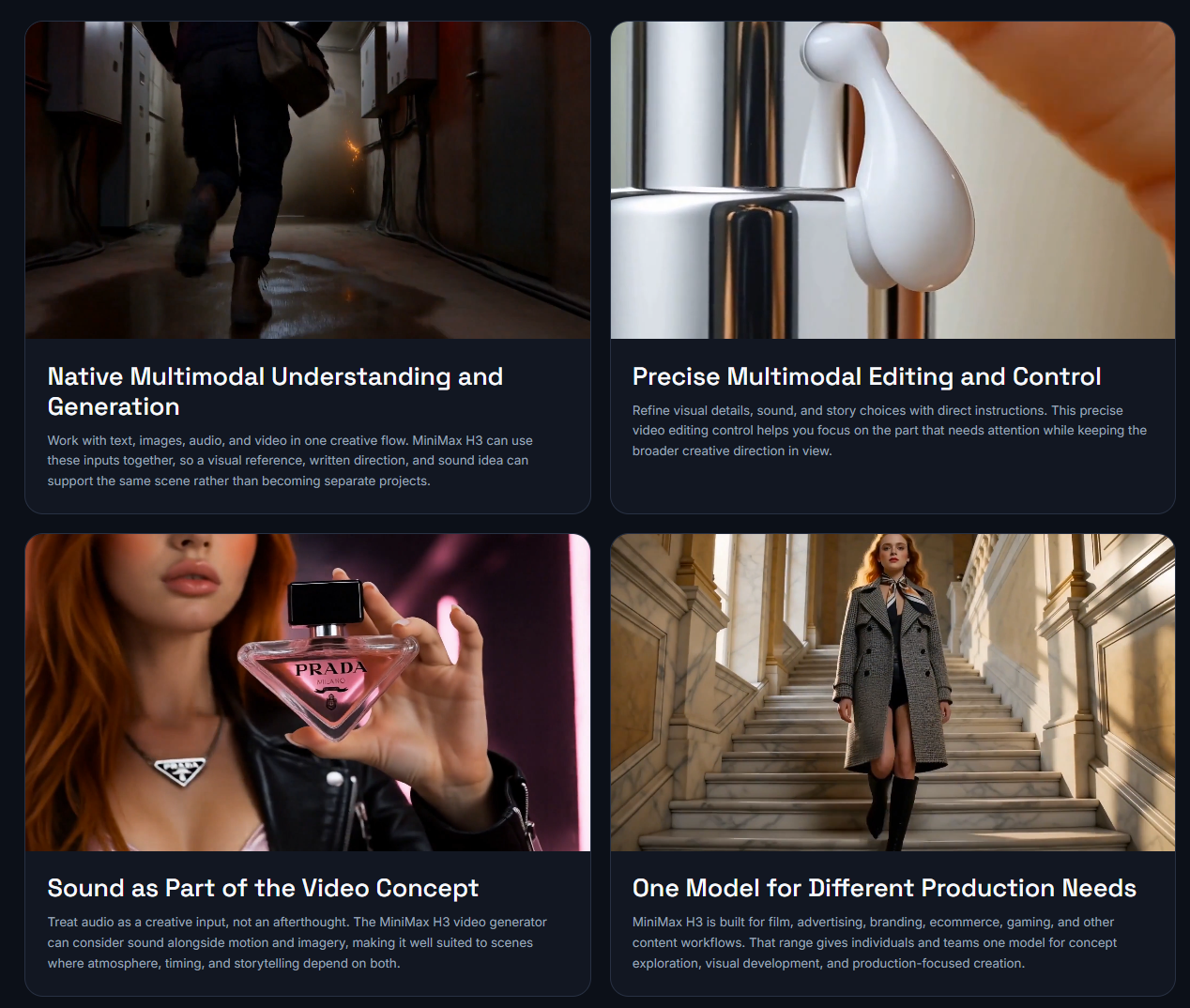
The same issue showed up again when setting up a MiniMax H3 test. There were several kinds of reference input we could make available, but putting every option in front of someone immediately didn't seem especially helpful.
Right now the first step is closer to:
prompt
optional image
generate
Then the other controls become available when they're useful.
This has a downside.
If I already know that I want to work with a specific reference, I don't want the interface making me hunt for it. We've already had a couple of moments internally where the "simpler" version felt slower because we knew exactly which control we wanted.
So we may change it again.
One thing I'm watching now is what people do immediately after the first result.
Do they change the prompt?
Change duration?
Add another reference?
Generate again without touching anything?
That seems more useful than arguing about which version of the first screen looks cleaner.
We're leaving the lighter version in place for now. I want to see which controls people actually go looking for before we move them around again.
Update
2026.07.31 // 03:17
emily jones
@cy2025569
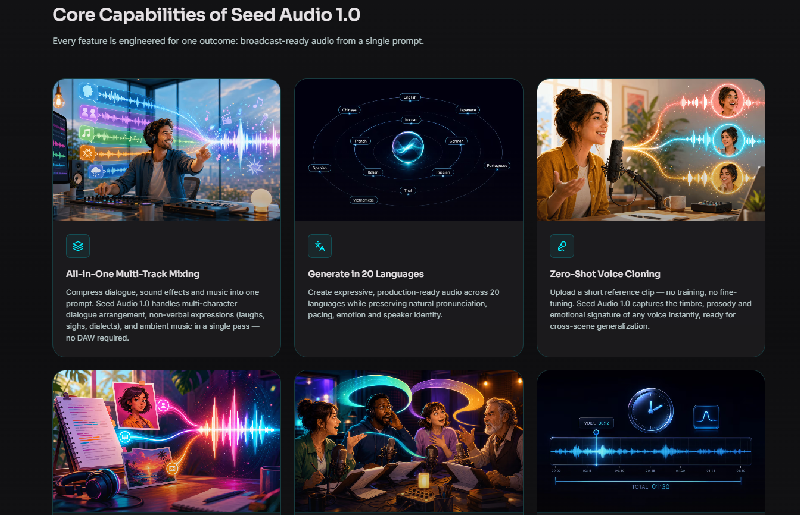
Seed Audio 1.0 is a next-generation AI audio generation model that creates broadcast-ready audio from a single prompt. Instead of generating only speech, it produces multi-character dialogue, background music, sound effects, and ambient audio in one fully mixed output. Available on SeedAudio1.app, it is designed to simplify audio production for podcasts, audiobooks, advertisements, games, and video content.
Unlike traditional text-to-speech (TTS) tools, Seed Audio 1.0 acts more like an AI audio director, automatically arranging voices, timing, music, and sound effects into a cohesive production with minimal manual editing. How does Seed Audio 1.0 work? Seed Audio 1.0 uses a unified multimodal AI audio generation architecture that understands text prompts, reference audio clips, and even images to create expressive, production-ready audio. Users simply describe a scene, upload optional references, and the model generates a fully mixed audio track with synchronized dialogue, music, and sound effects.
Key features include: All-in-One Audio Generation: Generate dialogue, music, sound effects, and ambience together in a single pass. Zero-Shot Voice Cloning: Clone a voice instantly from a short reference clip without additional training. Multi-Character Dialogue: Create natural conversations with multiple speakers, complete with pauses, laughter, and emotional expression. 20+ Language Support: Produce expressive audio in more than 20 languages while preserving pronunciation and speaker identity. Multi-Modal Inputs: Combine text, audio references, and images to guide voice style and scene creation. Precise Timing Control: Specify when dialogue, sound effects, or music should appear for accurate storytelling. Long-Form Consistency: Maintain stable voices and audio style across extended productions using continuation mode. The result is a ready-to-use WAV or MP3 audio file that requires little or no post-production, helping creators move from idea to finished audio much faster.
Who uses Seed Audio 1.0? Seed Audio 1.0 is built for creators and professionals working across different types of audio content, including: Podcasters — producing multi-host shows with consistent voices and natural conversations. Audiobook & Radio Drama Creators — generating immersive stories with multiple characters, sound effects, and background music. Marketing Teams & Brands — creating commercials, product promotions, and branded audio campaigns. Video Creators & Filmmakers — generating dubbing, narration, and synchronized audio for short-form and long-form videos. Game Developers & XR Studios — building immersive soundscapes and environmental audio for interactive experiences.
Seed Audio 1.0 stands out by combining voice generation, music composition, sound effects, ambience, and zero-shot voice cloning into a single AI workflow. With its multimodal inputs, multi-character dialogue, and production-ready output, it offers a comprehensive solution for modern AI audio creation.
Update
2026.07.29 // 06:23
sarah wilson
@cy520569
Over the last few weeks, we've spent less time building new features and more time observing how people actually use AI video tools.
One pattern kept showing up.
Most users weren't asking for dozens of editing options. They wanted to get from an idea to a usable video as quickly as possible.
That changed how we thought about the product.
Instead of asking, "What feature should we add next?" we started asking, "What's slowing someone down before they even export their first video?"
We've been simplifying the workflow, reducing unnecessary steps, and making it easier to start with either a text prompt or a reference image. The goal isn't to replace professional editing software—it's to help people create a strong first draft much faster.
We're also paying attention to where people get stuck. Prompt writing, choosing a visual style, and deciding when a video is "good enough" are often bigger challenges than rendering the video itself.
This has led us to spend more time improving the overall creation workflow instead of continuously adding new buttons and settings.
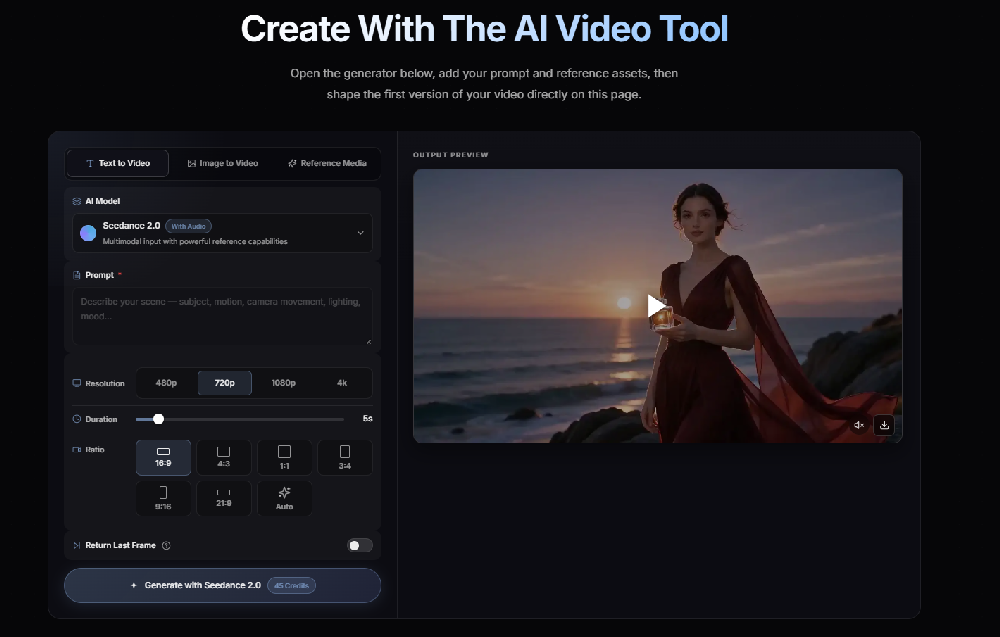
We're building Seedance 2.5, and this is the direction we're currently exploring:
- Faster idea-to-video workflow
- Simpler prompt-based creation
- Better support for visual experimentation
- Less time spent on repetitive editing
I'd love to hear from other builders.
If you're building an AI product, what's one feature you removed—or decided not to build—that actually made your product better?
Update
2026.07.20 // 09:39
emily jones
@cy2025569
Seedance 2.5 is ByteDance's latest AI video generation model, built to create native 4K cinematic videos up to 30 seconds long from text prompts, images, audio, video clips, and multimodal references. Available through Seedance25AI, it delivers longer single-pass generation, stronger character consistency, and more controllable editing, making it suitable for professional video production, advertising, and creative storytelling.
Compared with earlier versions, Seedance 2.5 focuses on producing longer, more coherent videos while reducing the need for stitching multiple clips together during post-production.
How does Seedance 2.5 work? Seedance 2.5 is powered by a multimodal AI video generation architecture that understands text, images, audio, video, and multiple reference assets within a single workflow. This enables creators to generate, edit, and refine videos while maintaining visual consistency across scenes.
Key features include: 30-Second Native Video Generation: Create complete videos in a single generation without stitching. Text-to-Video & Image-to-Video: Generate cinematic videos from prompts or reference images. Up to 50 Multimodal References: Combine text, images, audio, and video files to guide video generation. Native 4K Output: Produce professional-quality 4K videos with richer color and detail. Character & Scene Consistency: Keep characters, clothing, lighting, and environments consistent throughout long sequences. Local Video Editing: Modify specific subjects or regions without regenerating the entire clip. Multilingual Generation: Supports multiple languages while reducing unwanted subtitles and background audio.
Users simply write a prompt, upload optional reference assets, select the desired resolution and aspect ratio, and generate production-ready AI videos directly in the browser.
Who uses Seedance 2.5? Seedance 2.5 is designed for creators and professionals across many industries, including: Content creators & influencers — producing YouTube Shorts, TikTok, Instagram Reels, and social media videos. Marketing teams & brands — creating product demonstrations, advertisements, and campaign videos. Filmmakers & creative studios — developing storyboards, pre-visualization, and cinematic concepts. Creative agencies — producing consistent multi-shot commercial videos using shared reference assets. Businesses & startups — generating promotional, training, and presentation videos with reduced production costs.
Seedance 2.5 stands out for its combination of 30-second native generation, 4K output, support for up to 50 multimodal references, character consistency, and flexible local editing, making it one of the most advanced AI video generation platforms for professional creative workflows.